
Every enterprise that has built its analytics on Teradata faces the same uncomfortable truth: Teradata SQL is not standard SQL. It is ANSI-adjacent—close enough to look familiar, different enough to break on every other platform. When an organization decides to move to Snowflake, BigQuery, or Databricks, the SQL migration is not a formatting exercise. It is a full-scale transpilation problem involving hundreds of proprietary extensions, implicit behaviors, and dialect-specific semantics that must be faithfully translated to produce identical results on the target platform.
This article examines the technical reality of Teradata SQL transpilation at enterprise scale: what makes it hard, how a purpose-built transpilation engine solves it, and what the code transformations actually look like in practice.
The Teradata SQL Dialect Problem
Teradata SQL diverges from ANSI SQL in ways that range from minor syntactic sugar to deeply semantic differences that affect query results. These are not academic distinctions—they appear in production code across every Teradata estate:
SET vs. MULTISET Tables
Teradata defaults to SET tables, which automatically reject duplicate rows on INSERT—a behavior that has no equivalent on any major cloud platform. Snowflake, BigQuery, and Databricks all allow duplicate rows by default. A naive migration that ignores this distinction will produce tables with different row counts than the Teradata source, silently corrupting downstream analytics.
-- Teradata: SET table rejects duplicates automatically
CREATE SET TABLE customer_dim (
    customer_id INTEGER NOT NULL,
    customer_name VARCHAR(100),
    region_code CHAR(3)
) PRIMARY INDEX (customer_id);
SET tables enforce uniqueness implicitly—a behavior with no direct equivalent in most cloud platforms. MigryX automatically detects SET table semantics and generates appropriate deduplication logic for each target platform.
Primary Index Semantics
Teradata’s Primary Index (PI) is not just a performance hint—it determines physical data distribution across AMPs (Access Module Processors). Queries that join on the PI column avoid redistribution and run significantly faster. When migrating to Snowflake (micro-partitions with clustering keys), BigQuery (partitioning and clustering), or Databricks (Z-ordering on Delta Lake), the PI semantics must be translated into platform-appropriate distribution strategies.
Temporal Tables and PERIOD Data Types
Teradata has native support for temporal data through PERIOD data types and temporal qualifiers like AS OF, BETWEEN ... AND on temporal columns. These enable bi-temporal data modeling directly in SQL—a capability that must be decomposed into explicit range comparisons on other platforms:
-- Teradata: native temporal query
SELECT employee_id, department_id
FROM employee_history
AS OF TIMESTAMP '2024-06-15 00:00:00'
WHERE department_id = 100;

-- Snowflake equivalent: explicit range filter
SELECT employee_id, department_id
FROM employee_history
WHERE valid_from <= '2024-06-15 00:00:00'::TIMESTAMP
  AND (valid_to > '2024-06-15 00:00:00'::TIMESTAMP
       OR valid_to IS NULL)
  AND department_id = 100;
FORMAT Phrases and TITLE Columns
Teradata allows inline formatting and column aliasing syntax that is deeply embedded in reporting queries:
SELECT sale_amount (FORMAT '$$,$$$,$$9.99')— applies display formatting at the SQL level.SELECT employee_name (TITLE 'Employee Full Name')— sets the column header for report output.SELECT order_date (FORMAT 'YYYY-MM-DD')— formats dates inline without an explicitTO_CHARcall.
These constructs must be stripped or converted to equivalent TO_CHAR / FORMAT / CAST calls and column aliases on the target platform.

Teradata to Snowflake migration — automated end-to-end by MigryX
Why Teradata SQL Transpilation Requires Purpose-Built Tooling
Teradata SQL transpilation goes far beyond simple text substitution. It requires deep semantic understanding of Teradata-specific constructs—from NORMALIZE and QUALIFY to SET tables and temporal queries. MigryX’s transpilation engine handles hundreds of Teradata-specific patterns with deterministic accuracy.
The NORMALIZE ON Challenge
Consider a Teradata query that uses NORMALIZE ON to merge overlapping time periods:
-- Teradata source: QUALIFY with NORMALIZE
SELECT
    account_id,
    NORMALIZE ON txn_period AS merged_period,
    SUM(txn_amount) AS total_amount
FROM transactions
WHERE txn_date BETWEEN DATE '2024-01-01' AND DATE '2024-12-31'
GROUP BY account_id
QUALIFY ROW_NUMBER() OVER (
    PARTITION BY account_id ORDER BY total_amount DESC
) = 1;
Constructs like NORMALIZE ON have no direct equivalent in other platforms. MigryX decomposes these into semantically equivalent window function patterns—a non-trivial translation that requires understanding the temporal overlap logic.
MigryX Transpilation by the Numbers
MigryX’s Teradata SQL transpilation engine is built on years of production migration experience across Fortune 500 enterprises:
- Hundreds of function mappings: Covering Teradata-specific functions, system views, format codes, and DDL options across all three target platforms.
- The vast majority of SQL automatically transpiled: Measured across enterprise codebases averaging tens of thousands to hundreds of thousands of lines of Teradata SQL. The remaining fraction typically involves deeply custom UDFs or undocumented proprietary extensions.
- Full lineage tracing: Every transpiled statement is linked back to its source, enabling audit trails and impact analysis throughout the migration.
- Deterministic output: The same input always produces the same output, enabling reproducible builds and CI/CD integration for migration pipelines.
MigryX: Purpose-Built Parsers for Every Legacy Technology
MigryX does not rely on generic text matching or regex-based parsing. For every supported legacy technology, MigryX has built a dedicated Abstract Syntax Tree (AST) parser that understands the full grammar and semantics of that platform. This means MigryX captures not just what the code does, but why — understanding implicit behaviors, default settings, and platform-specific quirks that generic tools miss entirely.
Handling Stored Procedures: Teradata SPL to Cloud Scripting
Teradata Stored Procedure Language (SPL) is a PL/SQL-like procedural extension used to encapsulate business logic in the database. SPL procedures commonly use cursors, dynamic SQL, condition handlers, and local variables—all of which must be mapped to the target platform’s procedural capabilities:
Teradata SPL to Cloud Scripting Languages
-- Teradata SPL
CREATE PROCEDURE update_balances(IN p_date DATE)
BEGIN
    DECLARE v_count INTEGER DEFAULT 0;
    DECLARE EXIT HANDLER FOR SQLEXCEPTION
    BEGIN
        INSERT INTO error_log (proc_name, error_ts)
        VALUES ('update_balances', CURRENT_TIMESTAMP);
    END;

    DELETE FROM daily_balances WHERE balance_date = p_date;

    INSERT INTO daily_balances
    SELECT account_id, p_date, SUM(amount)
    FROM transactions
    WHERE txn_date = p_date
    GROUP BY account_id;

    SET v_count = ACTIVITY_COUNT;
    INSERT INTO audit_log VALUES ('update_balances', p_date, v_count);
END;
Teradata stored procedures use SPL-specific constructs like ACTIVITY_COUNT, EXIT HANDLER, and BT/ET transaction blocks that have no direct counterparts. MigryX translates these to platform-native procedural code while preserving error handling and transaction semantics.
Teradata SPL to BigQuery Scripting
BigQuery scripting uses DECLARE, SET, IF/ELSE, LOOP, and BEGIN ... EXCEPTION ... END blocks. The transpiler maps Teradata SPL’s cursor-based patterns into BigQuery’s FOR ... IN syntax and converts condition handlers into EXCEPTION WHEN ERROR THEN clauses.
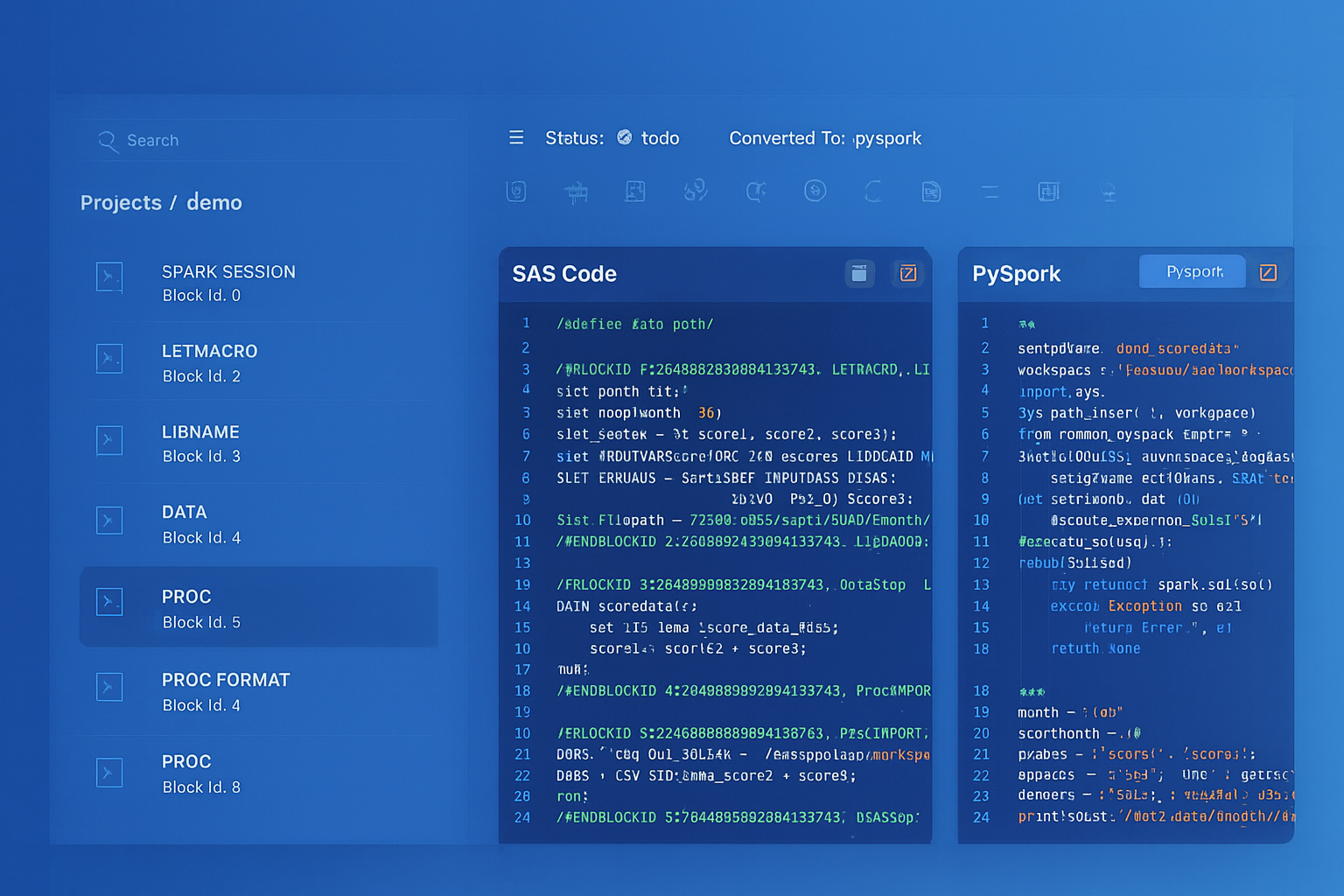
From parsed legacy code to production-ready modern equivalents — MigryX automates the entire conversion pipeline
From Legacy Complexity to Modern Clarity with MigryX
Legacy ETL platforms encode business logic in visual workflows, proprietary XML formats, and platform-specific constructs that are opaque to standard analysis tools. MigryX’s deep parsers crack open these proprietary formats and extract the underlying data transformations, business rules, and data flows. The result is complete transparency into what your legacy code actually does — often revealing undocumented logic that even the original developers had forgotten.
Performance Considerations After Transpilation
Syntactically correct transpiled SQL does not guarantee equivalent performance. The physical execution models of Teradata and cloud platforms differ fundamentally, and post-transpilation tuning is essential:
Teradata PI Distribution vs. Snowflake Clustering
Teradata distributes data across AMPs based on the Primary Index hash. Queries joining two tables on their respective PIs execute locally on each AMP without data redistribution. Snowflake uses automatic micro-partitioning with optional clustering keys. The transpiler must analyze PI-based join patterns and recommend clustering keys that achieve similar data co-location:
| Teradata Pattern | Cloud Platform Consideration |
|---|---|
PRIMARY INDEX (customer_id) |
Clustering or distribution key on the join column |
PARTITION BY RANGE_N(order_date) |
Date-based partitioning or clustering |
NO PRIMARY INDEX (staging) |
Transient/temporary table with no clustering |
MigryX analyzes PRIMARY INDEX patterns and recommends optimal clustering, partitioning, and distribution strategies for each target platform.
Statistics Collection vs. Cloud Optimizers
Teradata requires explicit COLLECT STATISTICS to provide the optimizer with distribution information. Cloud platforms handle this differently: Snowflake maintains automatic statistics, BigQuery uses a slot-based optimizer with automatic statistics, and Databricks supports both automatic and explicit ANALYZE TABLE. The transpiler converts COLLECT STATISTICS statements into platform-appropriate equivalents or removes them entirely when the platform handles statistics automatically.
Automated Regression Testing for Transpiled SQL
Transpilation at scale demands automated validation. Manual review of thousands of converted queries is neither feasible nor reliable. A robust testing framework includes:
Semantic Equivalence Testing
- Parallel execution: Run the original Teradata query and the transpiled query against identical datasets. Compare result sets column-by-column using hash-based checksums.
- NULL sensitivity: Verify that NULL handling is preserved, particularly in
CASEexpressions,COALESCEchains, and outer joins where Teradata and cloud platforms may differ subtly. - Ordering verification: For queries with
ORDER BY, verify that tie-breaking behavior is consistent, especially when the original Teradata query relied on PI-based implicit ordering. - Precision testing: Compare decimal precision and rounding behavior for financial calculations, where even a one-cent difference across millions of rows can indicate a transpilation error.
Performance Regression Testing
- Execution time comparison: Track query execution time on the target platform against Teradata baselines. Flag any query that runs more than 2x slower for manual optimization review.
- Resource consumption: Monitor warehouse/slot usage to detect inefficient transpilation patterns like unnecessary full-table scans or missing filter pushdowns.
- Concurrency testing: Verify that transpiled workloads perform correctly under concurrent execution, particularly for scripts that use temporary tables or session-scoped state.
“The hardest part of SQL transpilation is not the syntax—it is the semantics. Two queries can look identical and produce different results because of implicit type coercion, collation rules, or NULL propagation. Automated testing is not optional; it is the only way to catch these differences at scale.”
The Path Forward: From Transpilation to Modernization
SQL transpilation is the critical first step, but forward-thinking organizations use it as a springboard for modernization. Once Teradata SQL has been faithfully converted to a cloud dialect, teams can incrementally refactor the code to adopt cloud-native patterns:
- Replace procedural loops with set-based operations: Many Teradata SPL procedures use cursors to process rows one at a time—a pattern that is dramatically slower on cloud platforms. Post-transpilation refactoring replaces these with bulk
MERGE,INSERT ... SELECT, or window function patterns. - Adopt materialized views: Teradata’s join indexes and aggregate join indexes have direct equivalents in Snowflake’s materialized views and BigQuery’s materialized views, enabling automatic query acceleration without maintaining separate summary tables.
- Integrate with modern orchestration: Replace scheduler-driven BTEQ script chains with dbt models, Airflow DAGs, or Databricks Workflows that provide version control, lineage, and dependency management out of the box.
- Leverage semi-structured data: Cloud platforms natively support JSON, Parquet, and Avro. Post-migration, teams can consolidate Teradata’s normalized staging tables into semi-structured ingestion patterns that reduce pipeline complexity.
SQL transpilation at enterprise scale is a compiler engineering problem, not a text processing problem. The organizations that succeed are the ones that invest in a transpilation engine with deep semantic understanding of both source and target dialects—and pair it with automated testing that validates every conversion before it reaches production.
Why MigryX Is the Only Platform That Handles This Migration
The challenges described throughout this article are exactly what MigryX was built to solve. Here is how MigryX transforms this process:
- Deep AST parsing: MigryX’s custom-built parsers achieve 95% accuracy on every supported legacy technology — not through approximation, but through true semantic understanding.
- Merlin AI augmentation: Where deterministic parsing reaches its limit, Merlin AI resolves ambiguities and implicit behaviors, pushing accuracy to 99%.
- Complete coverage: MigryX supports 25+ source technologies including SAS, Informatica, DataStage, SSIS, Alteryx, Talend, ODI, Teradata, and Oracle PL/SQL.
- End-to-end automation: From parsing to conversion to validation — MigryX automates the entire pipeline, not just one step.
MigryX combines precision AST parsing with Merlin AI to deliver 99% accurate, production-ready migration — turning what used to be a multi-year manual effort into a streamlined, validated process. See it in action.
Ready to modernize your legacy code?
See how MigryX automates migration with precision, speed, and trust.
Schedule a Demo